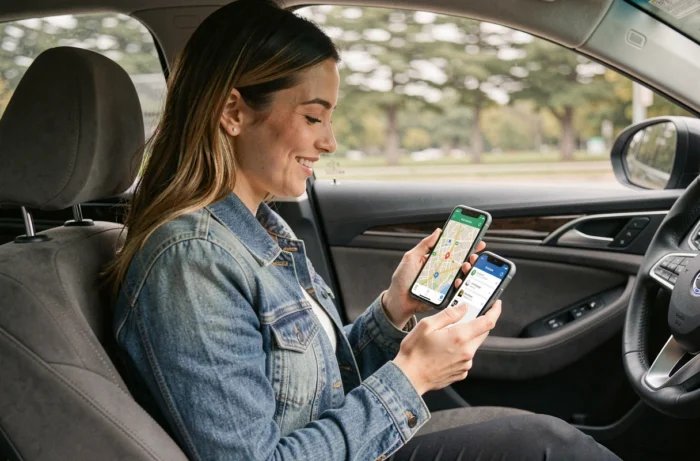
Sharing a car ride with loved ones is no longer just about sending a text saying “I’ve left.” Navigation and mobility apps now offer real-time sharing features that range from simply sending an estimated time of arrival to complete route tracking on a map.
The landscape of available tools has expanded, but not all meet the same needs, and privacy concerns are increasingly influencing the choice of a solution.
Real-time ride sharing: what apps really transmit
The “share my ride” function varies in scope depending on the app used. Waze, Google Maps, and Uber each offer distinct levels of information. Some limit themselves to transmitting an estimated time of arrival (ETA), while others send the complete route with the vehicle’s progress on the map.
Waze allows users to send a tracking link to a contact during navigation. The recipient can see the driver’s position update in real-time, without needing to install the app. Google Maps offers a comparable feature with location sharing, which can be limited to the duration of a specific trip or activated continuously.
Uber, as part of UberX Share, adds a layer of verification: the passenger can confirm the driver’s photo and vehicle before the ride, then share a car ride with a loved one who can track the progress of the trip. The distinction between these three approaches deserves attention, as they do not meet the same need: reassuring a parent about an arrival, enabling someone to pick you up at the right time, or documenting a journey.
Privacy and temporary sharing: a central parameter
Location tracking has long operated in a binary mode: on or off. Feedback from users shows that this logic no longer suits most users. Sharing one’s location continuously with a family group is very different from sending one’s position for the duration of a home-station trip.
Apps now incorporate temporary sharing settings, limited to a specific trip. Google Maps allows users to set a duration (one hour, two hours, until arrival). Waze automatically stops sharing at the end of navigation. These mechanisms prevent forgetting to disable continuous tracking.
The issue goes beyond simple convenience. Some recent content emphasizes the ability to switch to “invisible” mode after sharing, indicating that app developers have taken into account criticisms regarding continuous tracking. For a car ride shared with loved ones, limited sharing to a specific trip remains the most balanced option between utility and respect for privacy.
Google Maps, Waze, dedicated apps: criteria for family use
The choice of an app depends less on its overall features than on the specific situation. Here are the criteria that truly make a difference for use among loved ones:
- Does the recipient need to install an app, or can they follow the route via a simple link in their browser? Waze and Google Maps allow tracking without installation on the recipient’s side, which simplifies use with less tech-savvy loved ones.
- Is sharing automatically stopped at the end of the trip, or do you need to remember to disable it manually? Forgetting to deactivate a continuous sharing app can pose a trust issue within a family circle.
- Does the app run in the background without draining the smartphone’s battery? On a long car trip, an app that consumes a lot of resources becomes a real issue if the phone is also being used as a GPS.
Google Maps remains the most universal choice for its compatibility with Android and iOS, and because the majority of users have it already installed. Waze adds a community layer (traffic alerts, speed cameras) that enriches the trip beyond simple sharing. Dedicated apps like Co-oto target a different use: sharing the vehicle itself among multiple people, with scheduling and cost-sharing, which goes beyond the scope of route tracking.
Route sharing before departure: an underutilized feature
Most guides focus on real-time sharing during driving. However, sharing a route before hitting the road meets a different and often more practical need.
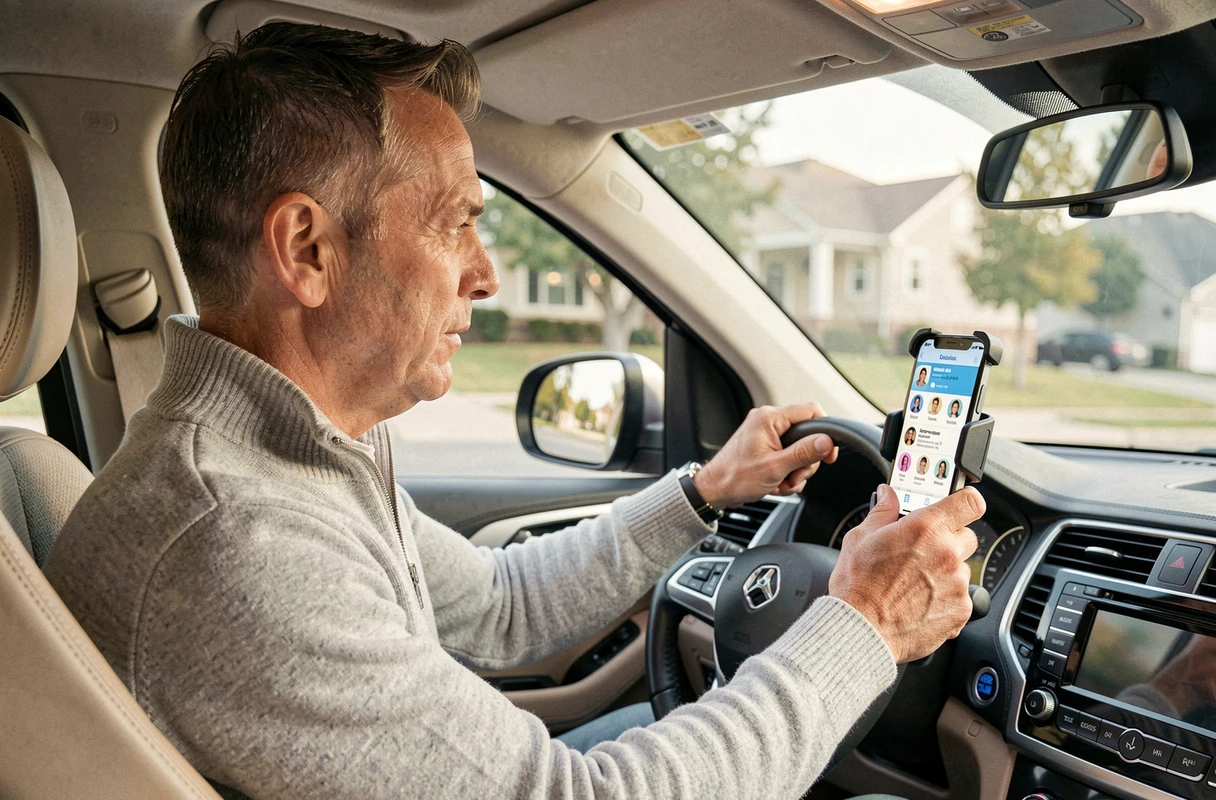
Google Maps allows users to send a complete route (starting point, waypoints, destination) via link or message. The recipient can then open it directly in their navigation app on their own smartphone. For a trip involving multiple cars during a family or friends’ journey, this feature avoids calls along the way asking, “Which exit are you taking?”
Sending the complete route before departure avoids misunderstandings about the journey. The recipient can see the planned waypoints, estimated duration, and route on the map. It’s a simple precaution that reduces stress, especially when the group is traveling in convoy on unfamiliar roads.
The available data does not allow for precise measurement of how many users utilize this feature compared to live sharing. However, Google support forums show that the question “how do I send my route to someone” comes up regularly, indicating that the functionality lacks visibility in the interface.
Ultimately, sharing a car ride with loved ones relies on a balance between simplicity and control. The tools exist, work, and often require just two or three taps on the smartphone screen. The real challenge remains choosing the right level of sharing based on the situation, without turning every trip into a surveillance session.